What is On-Page SEO? A Beginner's Guide to Optimizing Your Web Pages
On-page SEO is the practice of optimizing your web pages, including content, titles, headings, images, and internal links, so search engines understand them and users enjoy them. This beginner's guide covers the key elements, a simple checklist, and step-by-step tips to help your pages rank higher on Google.
On this page
- Introduction
- In This Article
-
- What is On-Page SEO?
-
- Why is On-Page SEO Important?
-
- How Does On-Page SEO Work?
-
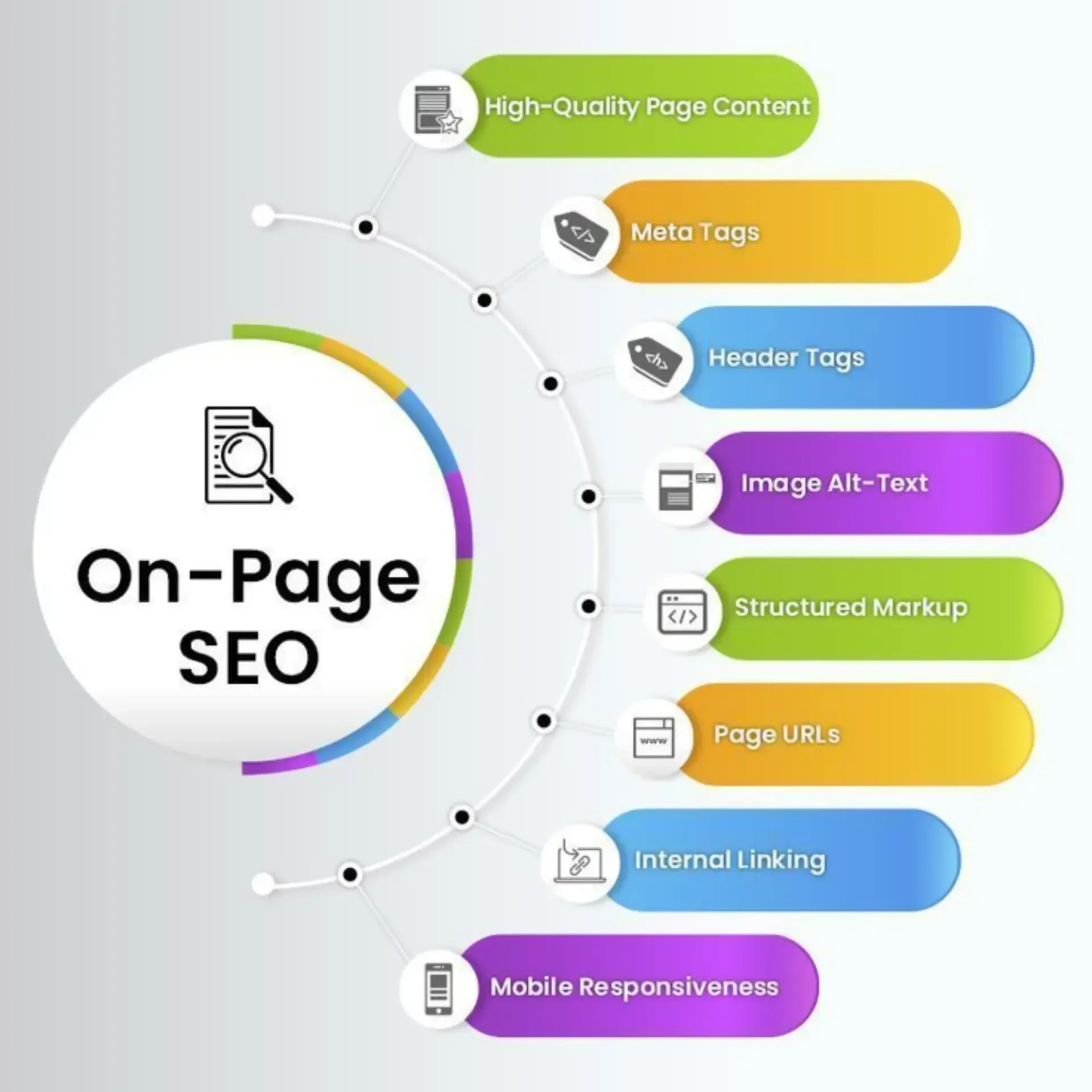
- Key On-Page SEO Elements
-
- On-Page SEO Best Practices
-
- On-Page SEO Checklist
-
- On-Page SEO Tutorial
-
- Conclusion
Introduction
On-page SEO is the practice of optimizing the content and structure of your web pages so search engines understand them and users enjoy them. It covers everything you control on the page itself, from titles and headings to content, images, and internal links. Strong on-page SEO helps your pages rank higher and attract the right visitors.
In This Article
- What is On-Page SEO?
- Why is On-Page SEO Important?
- How Does On-Page SEO Work?
- Key On-Page SEO Elements
- On-Page SEO Best Practices
- On-Page SEO Checklist
- On-Page SEO Tutorial
- Conclusion
1. What is On-Page SEO?
On-page SEO means optimizing individual pages of your website to rank better in search results. It includes your content, title tags, meta descriptions, headings, URLs, images, and internal links. Unlike off-page SEO, such as backlinks, on-page SEO is fully in your hands.
2. Why is On-Page SEO Important?
Search engines read your page to decide what it is about and who it is for. Good on-page SEO makes that clear, which improves rankings, click-through rates, and user experience. It also gives your backlinks and other SEO efforts a strong foundation to work with.
3. How Does On-Page SEO Work?
Search engines crawl your page and look at signals such as keywords, headings, content quality, page speed, and mobile friendliness. They compare these signals with the user's search intent and rank the most helpful pages first. When your page is clear, relevant, and easy to use, it has a better chance of ranking.
4. Key On-Page SEO Elements
- Title tag: the clickable headline in search results. Include your primary keyword.
- Meta description: a short summary under the title that encourages clicks.
- Header tags (H1, H2, H3): organize your content and signal the main topics.
- SEO-friendly URL: short, readable, and keyword-focused.
- Quality content: helpful, original content that matches search intent.
- Image optimization: compressed images with clear alt text.
- Internal links: links to your related pages that help users and search engines navigate.
- Page speed and mobile friendliness: fast loading and a layout that works on every device.
5. On-Page SEO Best Practices
Write for the user first and optimize second. Use your primary keyword naturally in the title, first paragraph, and a few headings, and avoid keyword stuffing. Match the search intent, keep paragraphs short, add helpful images, and update old content regularly. Make every page load fast and look good on mobile.
6. On-Page SEO Checklist
Use this quick checklist before you publish any page:
- Primary keyword in the title tag, H1, and first paragraph
- Unique meta description under 160 characters
- One H1 and clear H2 and H3 headings
- Short, clean URL with the main keyword
- Alt text on every image
- Internal links to 2 to 3 related pages
- One or two links to trusted external sources
- Fast load speed and mobile-friendly design
- Clear call-to-action
7. On-Page SEO Tutorial
Follow these steps to optimize a page:
- Choose your keyword. Pick one primary keyword and a few secondary keywords for the page.
- Check search intent. Look at the top results to see what type of content Google expects.
- Write helpful content. Answer the user's question clearly and completely.
- Optimize your tags. Write a keyword-focused title tag and an engaging meta description.
- Structure with headings. Use one H1 and organize the rest with H2 and H3 headings.
- Optimize images and links. Add alt text, compress images, and link to related pages.
- Test and improve. Check speed, mobile view, and rankings, then update the page as needed.
8. Conclusion
On-page SEO is the foundation of every successful website. By optimizing your content, tags, structure, and user experience, you help both search engines and visitors find value on your pages. Start with the basics, follow the checklist, and keep improving your pages over time.
Need help optimizing your website?
Talk to Arctovion Tech about SEO, website development, and digital marketing for your business.
[Book a free consultation]
Frequently Asked Questions
What is on-page SEO?
On-page SEO is the practice of optimizing elements on your web pages, such as content, titles, headings, images, and links, to rank higher in search engines.
What is the difference between on-page SEO and off-page SEO?
On-page SEO covers what you do on your own website, while off-page SEO covers outside signals such as backlinks and brand mentions.
What are the most important on-page SEO factors?
Quality content, title tags, meta descriptions, header tags, internal links, image alt text, URL structure, and page speed.
How long should a meta description be?
Keep it under about 160 characters so it displays fully in search results.
How many times should I use my keyword on a page?
There is no fixed number. Use it naturally in the title, first paragraph, and a few headings, and avoid stuffing.
How long does on-page SEO take to show results?
It depends on competition and your site's authority, but improvements often show within weeks to a few months.
Need help growing online?
Talk to Arctovion Tech about websites, SEO, ads, or custom software for your business.
Book a free consultation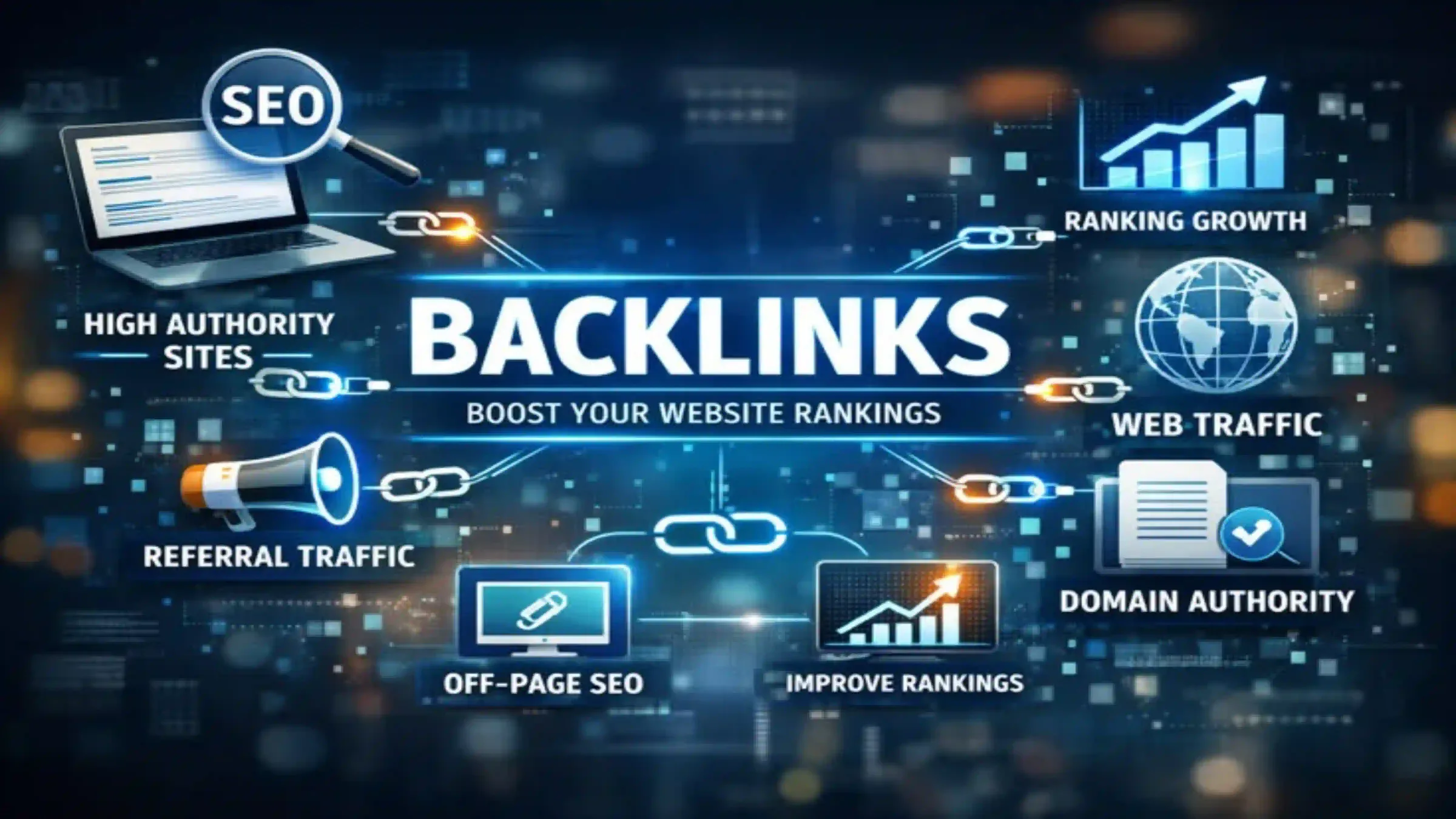 SEO
SEO
What are Backlinks? A Beginner's Guide to Link Building in SEO
Backlinks are links from other websites that point to your website, and search engines see them as votes of trust. The more relevant, quality sites that link to you, the higher your pages can rank on Google. This beginner's guide explains what backlinks are, the different types, and simple steps to build them the right way
 SEO
SEO
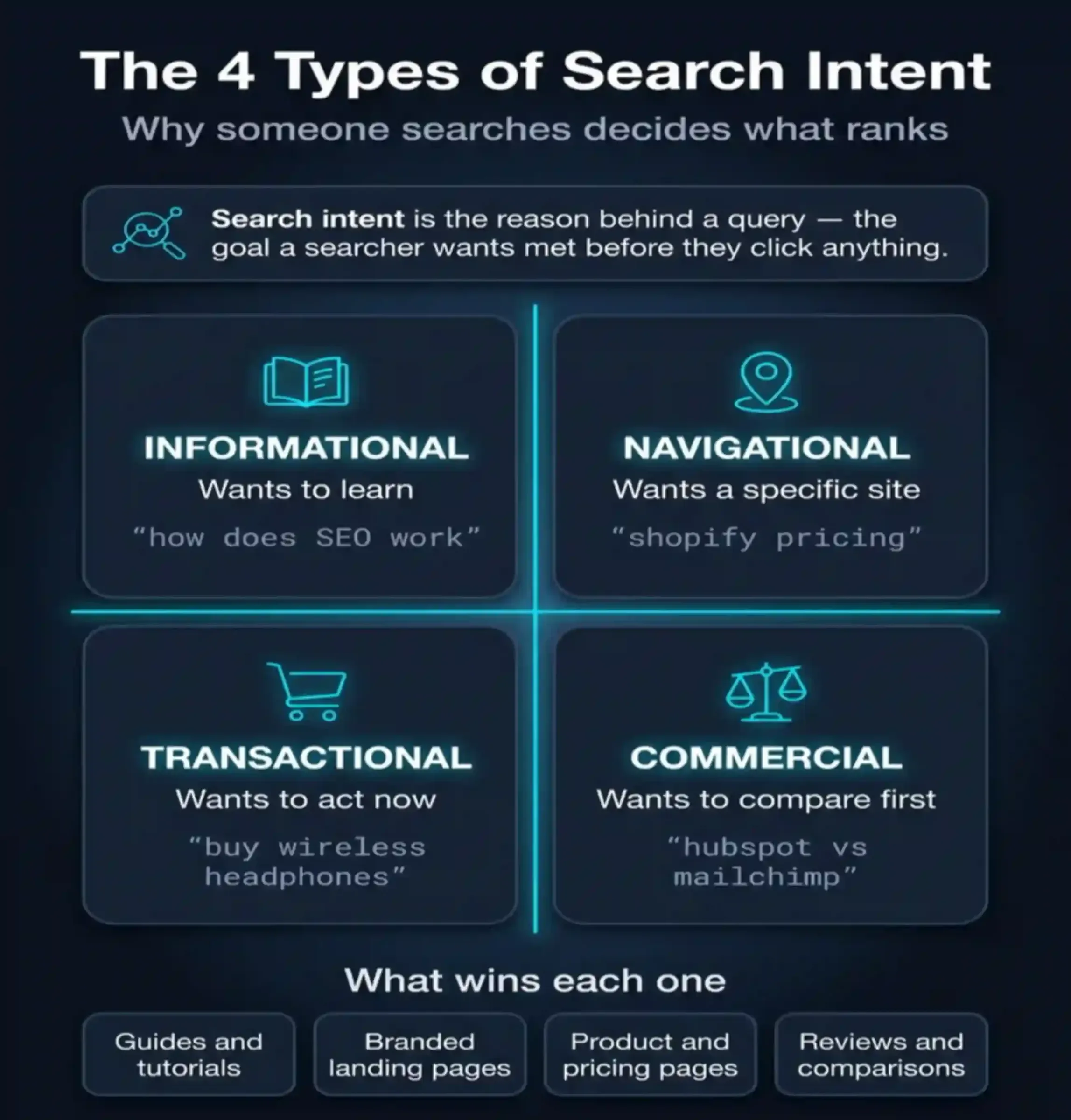
What is Search Intent? A Beginner's Guide to User Intent
Search intent is the reason behind a search query. For the topic of SEO, people searching are at very different stages: some are asking what SEO even means, others are comparing agencies, and some are ready to hire. The blog should match the intent of the keyword it targets, and support the other three through links and CTAs.
 SEO
SEO
What is SEO
Learn what SEO is, how it works, its key types, and the best practices businesses can use to improve search visibility, attract organic traffic, and generate more leads.
 Digital Marketing
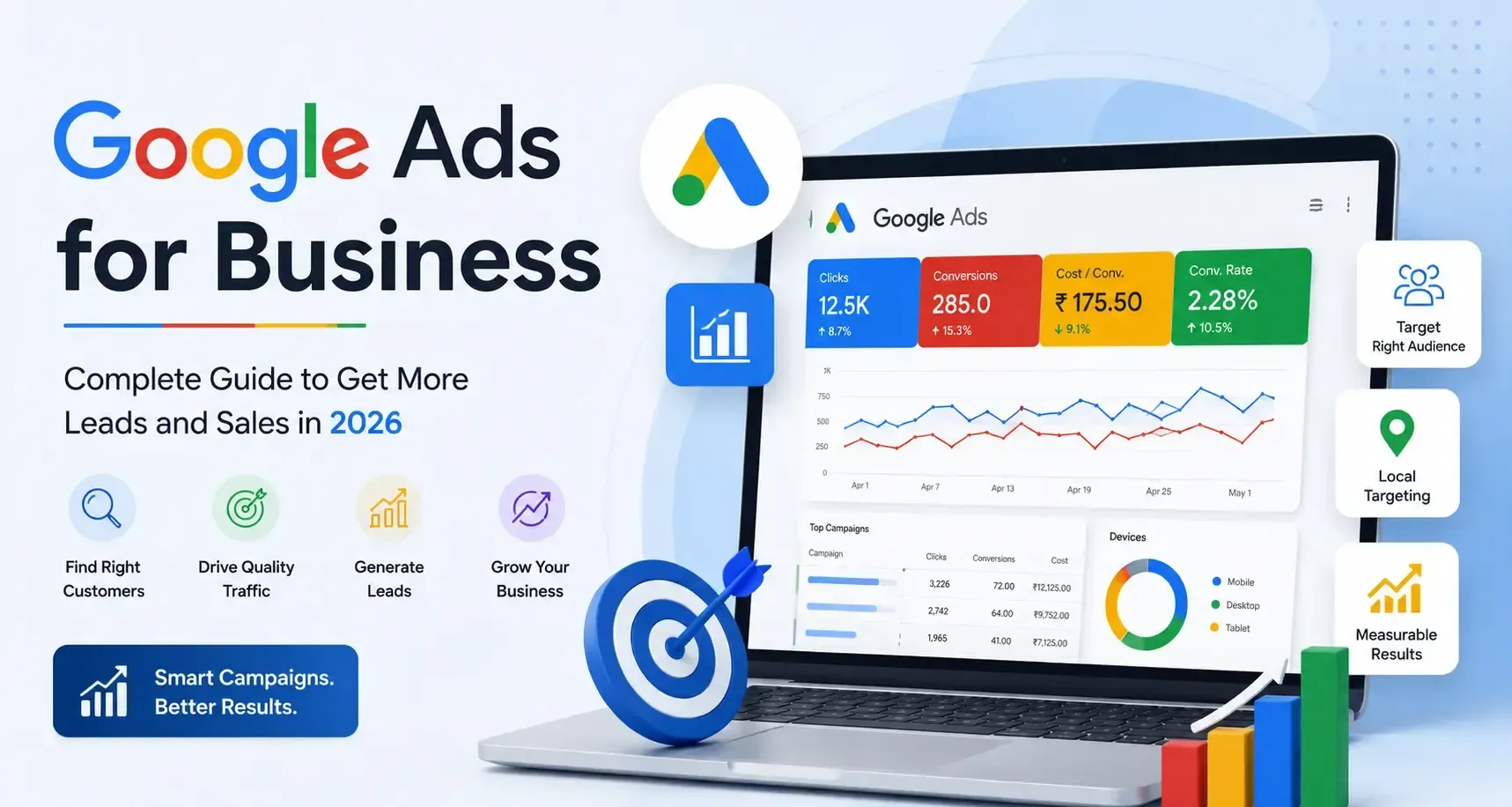
Google Ads for Business: Complete Guide
Discover how Google Ads can help businesses reach potential customers, generate qualified leads, increase sales, and build a measurable digital marketing strategy.
 Digital Marketing
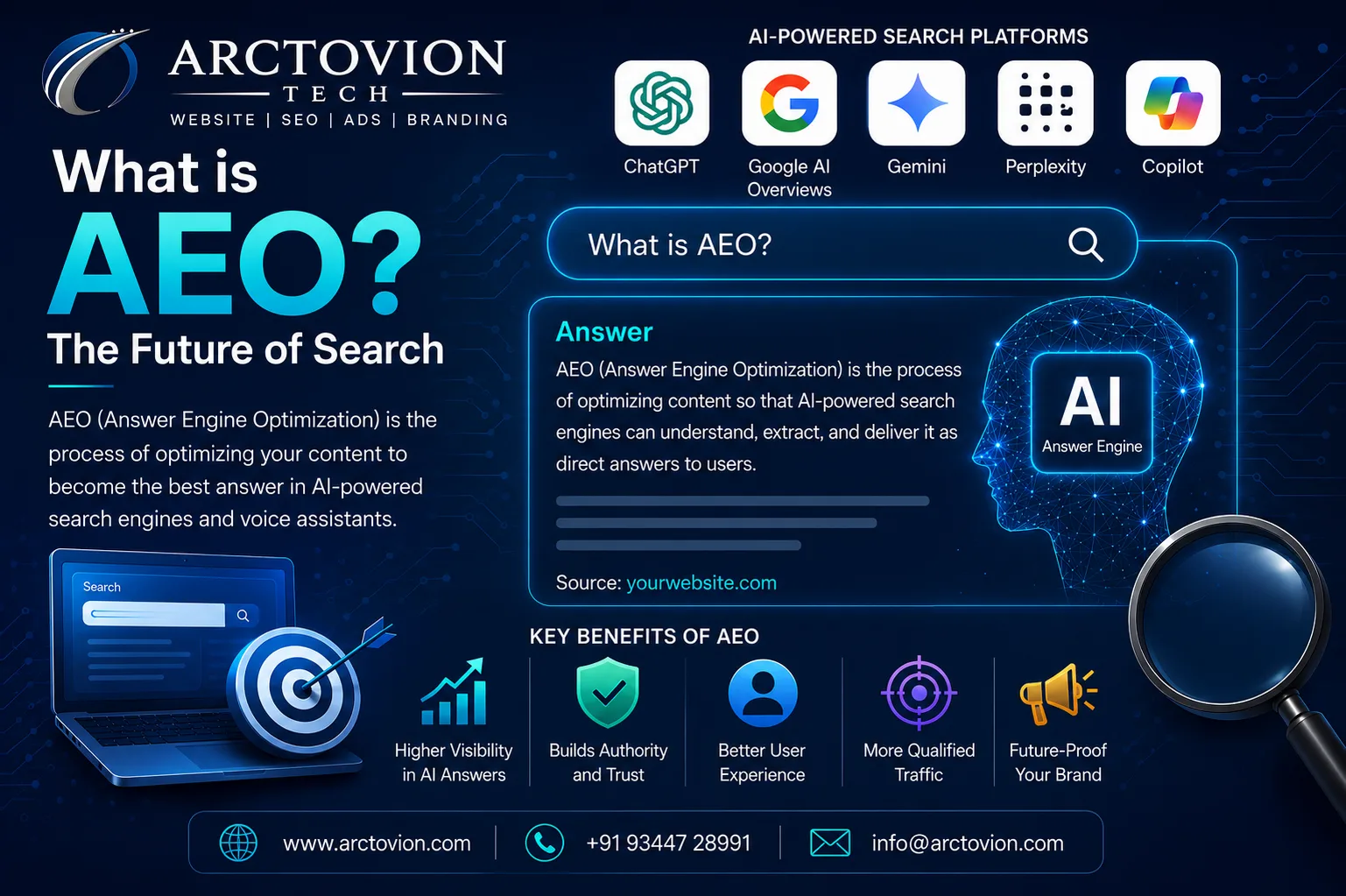
What is AEO? The Future of Search in the Age of AI
Learn what Answer Engine Optimization (AEO) is, how it differs from traditional SEO, and how to optimize your content for AI-powered search engines like ChatGPT, Gemini, and Google AI Overviews.
 ABOUT
ABOUT
Why We Founded Arctovion Tech
Discover why Arctovion Tech was founded as a custom software development company in Chennai to help businesses build tailored software, web applications, mobile apps, and digital solutions that simplify operations and support long-term growth.
Comments
Join the discussion — comments are moderated before they appear.
Loading…